Getting Started
Everything you need to set up WatchieBesti.
What you need
- An Apple Watch running watchOS 10 or later
- An iPhone running iOS 17 or later
- WatchieBesti installed on both
Install the app
Download WatchieBesti from the App Store on your iPhone. The watch app installs automatically — give it a minute to appear on your watch.
Open the app on your watch
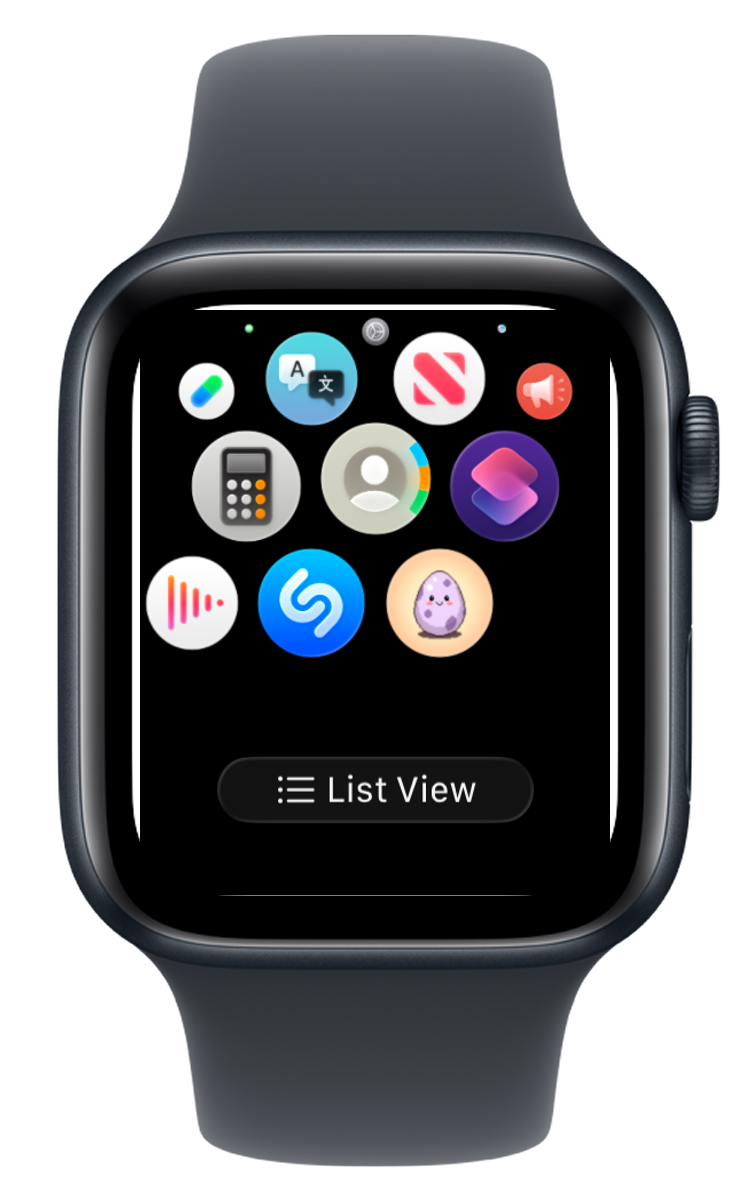
Press the digital crown, find WatchieBesti in your app list, and open it. You'll be greeted by your egg — your pet is still growing inside.
Grant health permission
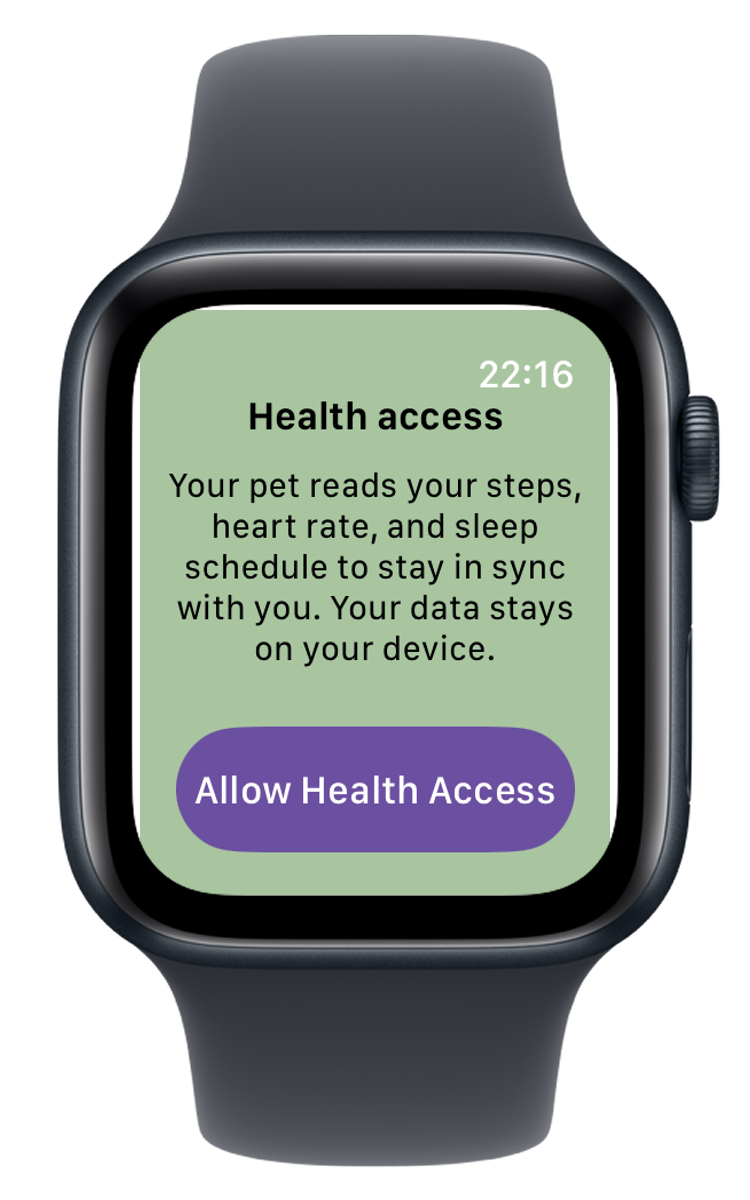
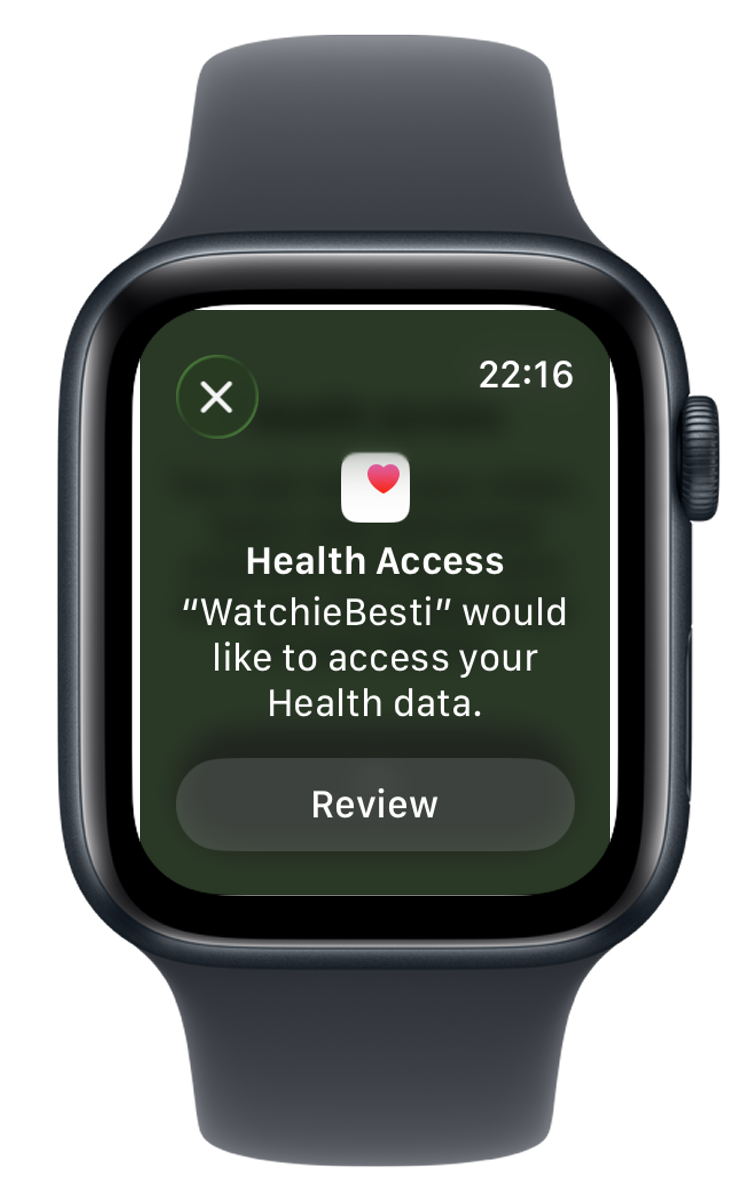
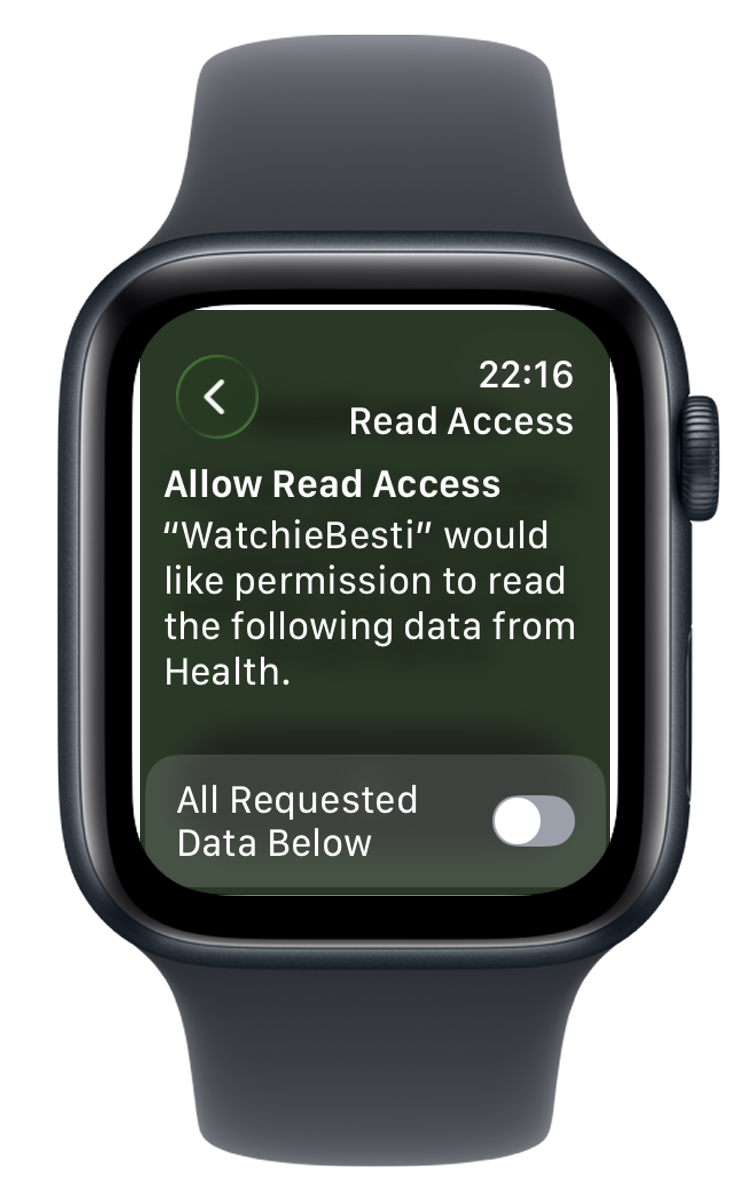
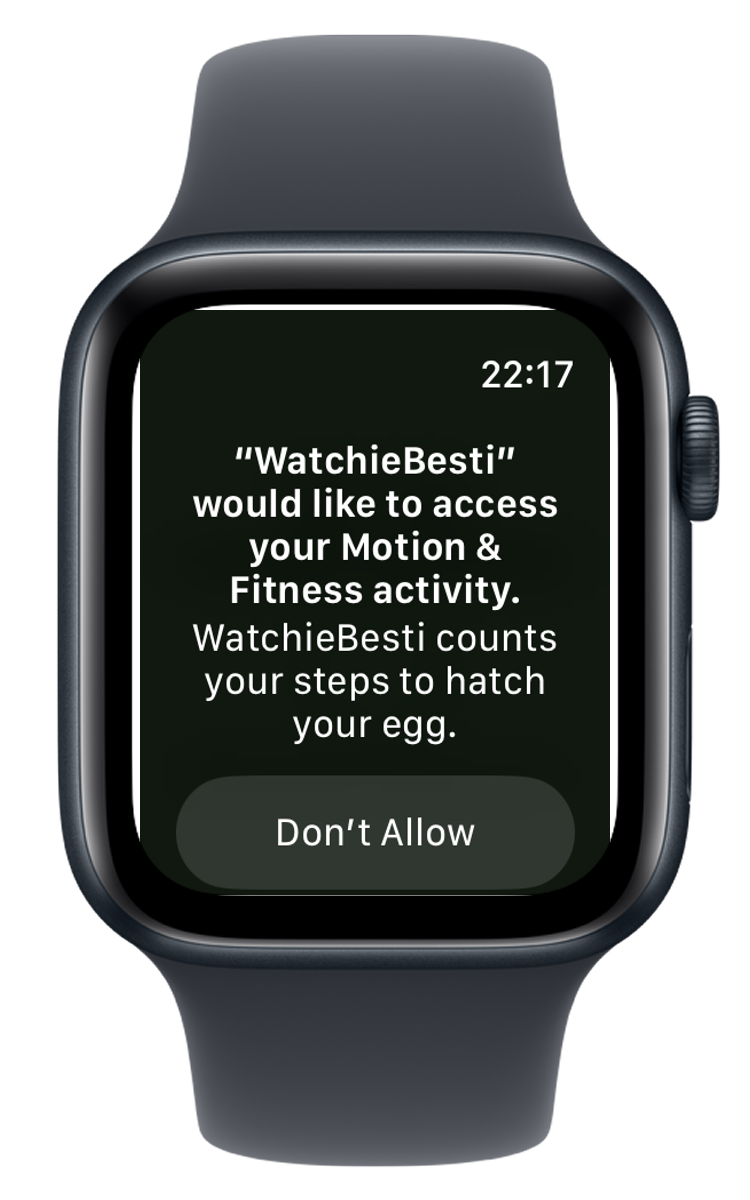
WatchieBesti reads your step count, heart rate, and sleep schedule to stay in sync with your day. Your data stays on your device. When prompted, tap Allow to grant permission.
If you accidentally tap "Don't Allow", you can fix this in the iPhone Health app: open Health → your profile picture → Privacy → Apps → WatchieBesti, and turn on the permissions there.
Add a complication (optional)
To see your pet at a glance on your watch face, long-press your watch face → tap Edit → navigate to the complications slots → select WatchieBesti. Your pet's current mood will show right on your face.

Start moving!
Your egg will hatch once you've built up enough activity over a few days. After that, your pet's mood will change throughout the day based on how active you are. Check in on them regularly.

Tips for keeping your pet happy
- A walk counts. You don't need to run — consistent daily movement is what matters most.
- Your pet needs exercise every day, just like you. Keep moving to keep them happy.
- If your pet looks sleepy, try a short walk. Even a few hundred steps will cheer them up.
- Your pet has a name — you can set it in Settings on the watch or in the iPhone companion app.