Troubleshooting
Common problems and how to fix them.
iCloud shows "Not available" on my watch
This is a watchOS system issue, not a WatchieBesti problem. It means your watch has temporarily lost its connection to iCloud at the device level.
WatchieBesti stores all your data locally on the watch and iPhone, so this won't affect your pet or your progress. You can ignore it as far as the app is concerned.
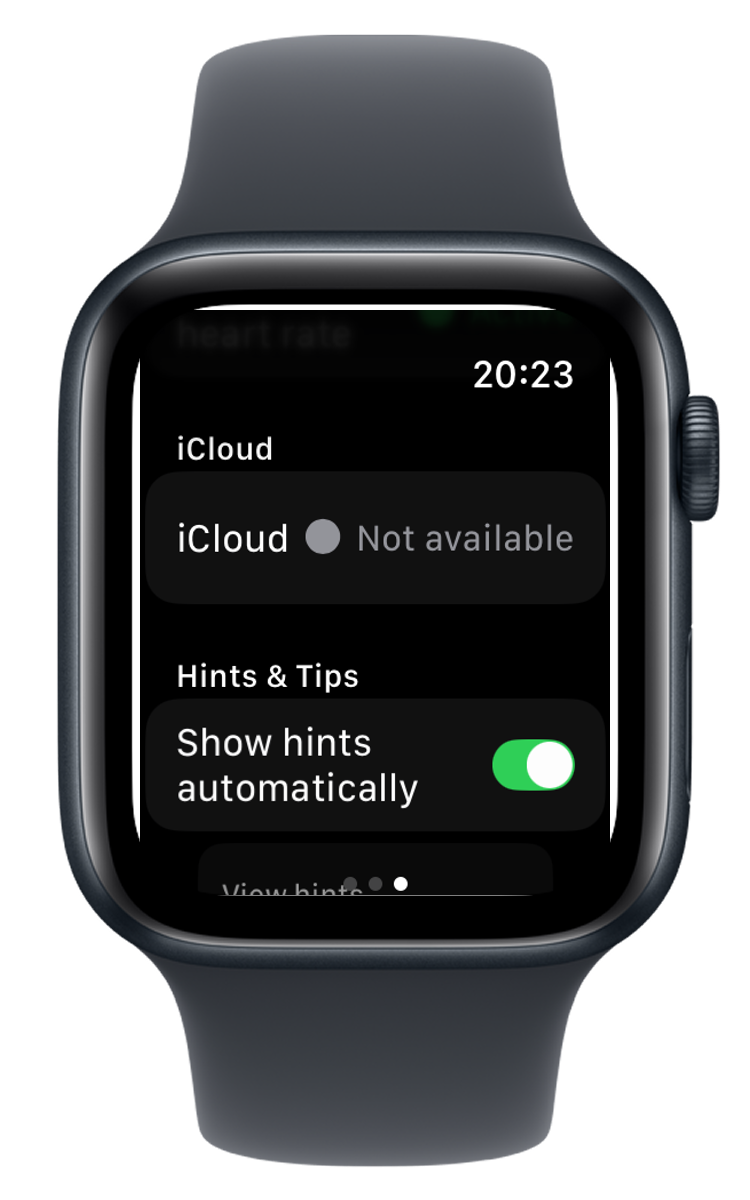
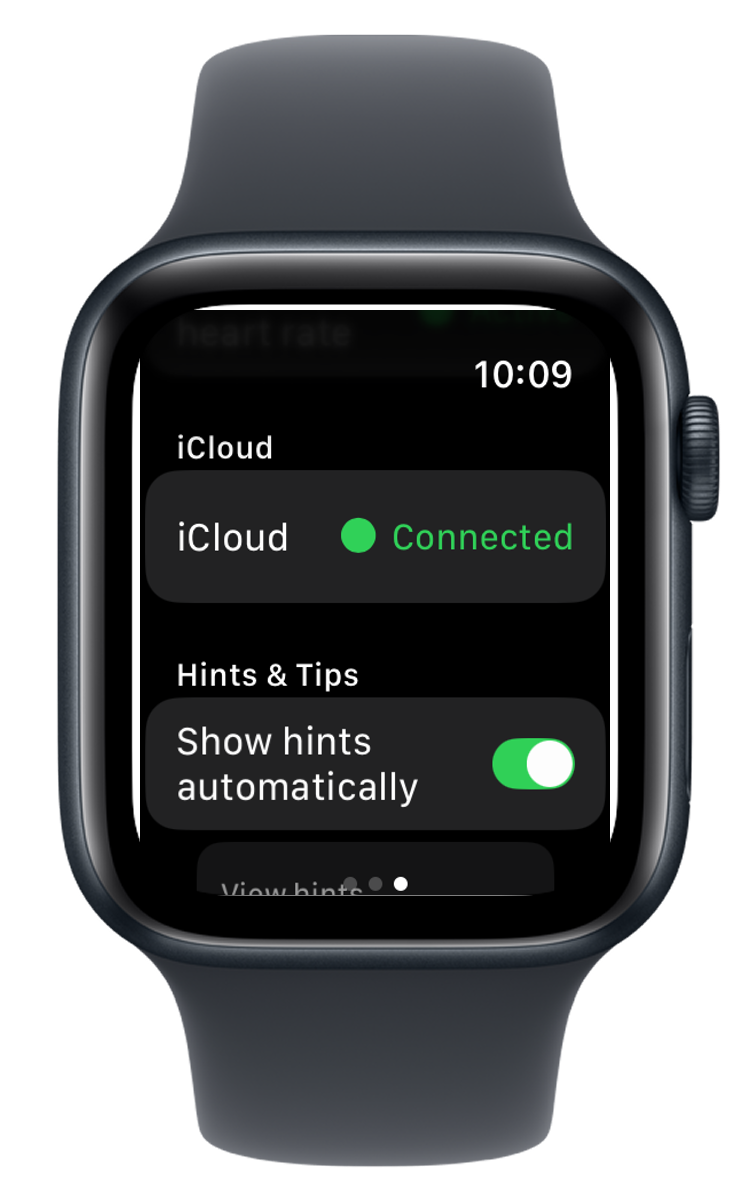
To resolve it:
- 01 On your iPhone, open the Watch app.
- 02 Go to General → Reset → Reset Sync Data.
- 03 Wait a minute, then check your watch — iCloud should reconnect.
If that doesn't work, restart your watch: press and hold the side button, then slide to power off. Power it back on and the connection usually re-establishes itself.
My pet's mood isn't changing
Your pet updates based on activity data from HealthKit. A few things to check:

-
→
Health permission: Open the iPhone Health app → your profile picture → Privacy → Apps → WatchieBesti. Make sure step count and heart rate are both enabled.
-
→
Background App Refresh: On iPhone, go to Settings → General → Background App Refresh and make sure WatchieBesti is enabled.

Background App Refresh setting -
→
Give it time: Your pet checks in on your activity in the background. After a walk, it may take a few minutes for the mood to update.
My pet disappeared / reset to an egg
This can happen if the app was deleted and reinstalled, or if the watch was unpaired and re-paired. WatchieBesti uses iCloud to back up your pet's data — if you reinstall the app and are signed into the same Apple ID, your pet should restore automatically. If your pet doesn't appear after reinstalling, open the app and wait a moment for iCloud to sync.
The complication shows a key/code instead of text
This is a display bug that occurs when the app is updated but the watch hasn't fully installed the new version yet.

Force-quit the app on your watch (swipe up from the watch face, swipe the app away), then reopen it.
If the complication still shows the wrong text, try removing and re-adding it to your watch face.
The watch app won't open / crashes immediately
Try the following in order:
- 01 Force-quit the app on the watch and reopen it.
- 02 Restart your watch (press and hold the side button → slide to power off).
-
03
On iPhone, open the Watch app → scroll to WatchieBesti → toggle it off and back on to reinstall the watch app.

iPhone Watch app → WatchieBesti toggle
If none of these help, please get in touch — details below.
Still stuck?
If something isn't working and you can't find the answer here, we'd love to hear from you. Feedback from real users is how WatchieBesti gets better.
[email protected]